
Create a Maya HTT Customer Support account
To contact Maya HTT for assistance with your Maya HTT products from the Maya HTT Customer Support portal, you must first have a valid account.
-
In a browser, navigate to Maya HTT Technical Support.
It is recommended that you use either Firefox, Edge, or Chrome browsers.
-
On the Technical Support page, click Register.
-
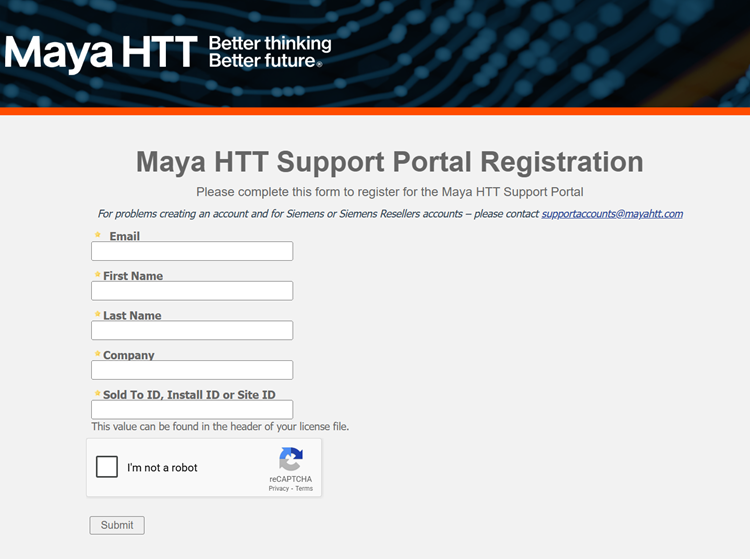
On the Maya HTT Support Portal Registration page, enter your email address, first and last name, your company name, and your installation ID.
The installation ID is sometimes called the Sold to ID or Site ID and it is typically found in the header of your license file.
-
Perform the captcha to prove that you are not a robot and click Submit.
After the registration is verified, a password reset email is sent to the provided address.
- Open the email message and click the link provided to create your password.
Note:
If you have any issues with our support portal, contact Maya HTT at supportaccounts@mayahtt.com for assistance.
For other issues, see Contacting Maya HTT.
